 GFX Workshop
Banners with your avatar, sized right
Pick the platform and the picture gets the right size, with a guide showing the part every screen shows. On a YouTube banner your avatar and title go in the safe strip automatically; the background fills the rest.
Open the banner maker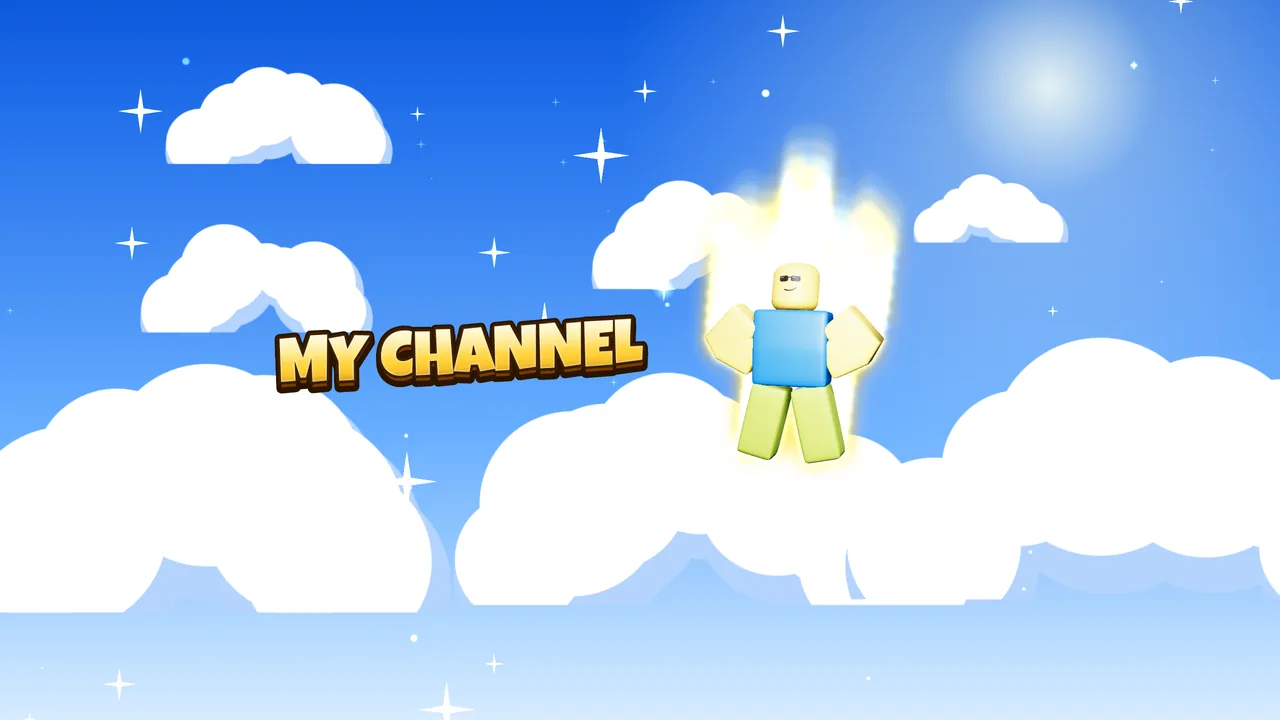
How it works
- Pick the sizeYouTube banner, Discord banner or X header.
- Add your avatar and nameThey land inside the part that phones and computers show.
- DownloadA PNG at the exact size the platform asks for.
Sizes
| YouTube banner | 2560×1440; the middle 1546×423 shows on every screen |
| Discord profile banner | 5:2 (made at 1500×600); your profile picture covers the bottom left |
| X (Twitter) header | 1500×500 |
| Twitch profile banner | 1200×480 |
Questions
Why is my avatar so small on the YouTube banner?
YouTube shows only the middle strip on phones; TVs show the whole picture. Anything outside the strip gets cut on most screens, so the important part stays in the middle.
Is it free?
Yes. Making and downloading pictures is free, with no watermark and no sign-up. Premium renders (real light bounces and soft shadows) come with free renders every day; extra render packs are optional.
Do I need Blender or Photoshop?
No. Posing, lighting, effects and text all happen in your browser. Nothing to install.
Is GFX Workshop made by Roblox?
No. GFX Workshop is not affiliated with, endorsed by or made by Roblox Corporation. It loads your public avatar the way the Roblox website shows it.
Banners with your avatar, sized right.
Start now