 GFX Workshop
Make a PFP of your avatar, free
Type your username and your real avatar shows up in 3D, head and shoulders, on a background that fits. Pick a face, a background and an effect, then download a 1920×1920 PNG for Discord, YouTube or your group.
Open the PFP maker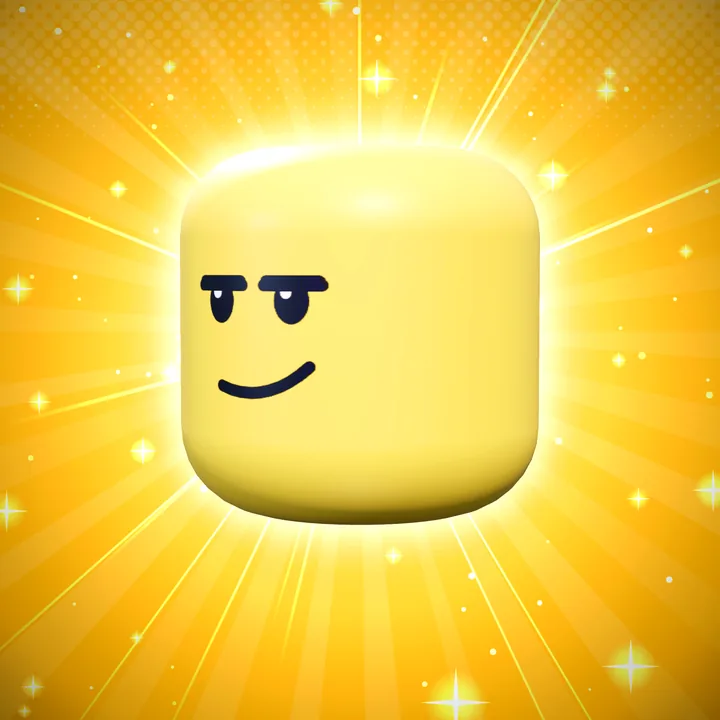
How it works
- Type your usernameYour real avatar loads in 3D: hair, accessories and clothes.
- Pick a lookFaces, sunbursts, speed lines, clouds, glow, sparkles and frames.
- DownloadA square PNG at 1920×1920, sharp enough for any profile.
Sizes
| Discord avatar | square, shown round (keep the face in the middle) |
| YouTube profile picture | square, shown round, 800×800 or more |
| Roblox group icon | square (512×512 is plenty) |
Questions
Can I make the same PFP for my whole group?
Yes: the clan PFP maker makes one picture per username and gives you a .zip.
Is it free?
Yes. Making and downloading pictures is free, with no watermark and no sign-up. Premium renders (real light bounces and soft shadows) come with free renders every day; extra render packs are optional.
Do I need Blender or Photoshop?
No. Posing, lighting, effects and text all happen in your browser. Nothing to install.
Is GFX Workshop made by Roblox?
No. GFX Workshop is not affiliated with, endorsed by or made by Roblox Corporation. It loads your public avatar the way the Roblox website shows it.
Make a PFP of your avatar, free.
Start now