 GFX Workshop
Make a 3D GFX without Blender
GFX Workshop puts the whole GFX workflow in one tab: a 3D scene for posing and lighting, then layers for effects, text and color. Simple mode gets you a finished picture in a few taps; the Advanced editor has every tool.
Open the GFX maker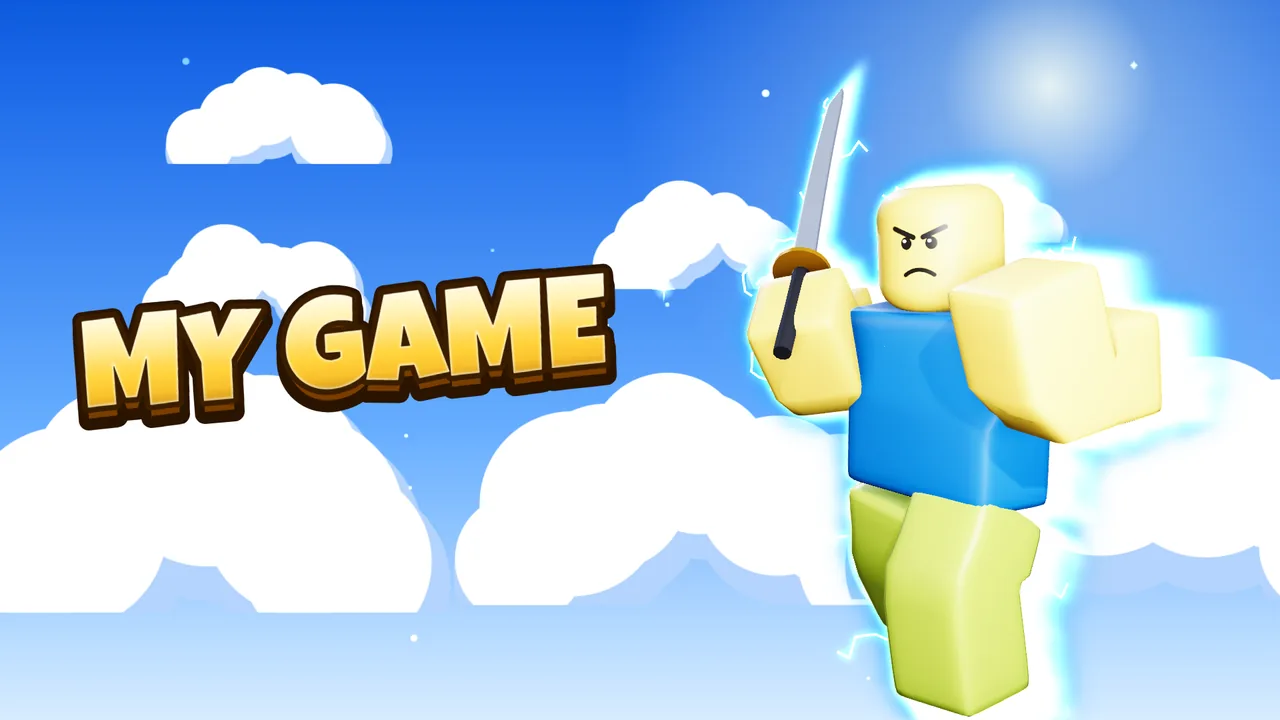
How it works
- Pose in 3DYour avatar, rigged: bend arms and legs, aim at things, hold items.
- Light itReady-made looks (Thumbnail pop, Sunset hero, Horror...) or your own lights.
- Layer itAuras, rim light, depth, stains, text styles, color grades.
Sizes
| Premium render | real light bounces and soft shadows, free renders every day |
| Layers | move, recolor and stack every effect after the render |
| Export | PNG, JPG, layered PSD, moving GIF and MP4 |
Questions
Can I use my own models?
Yes: import .glb, .fbx or .obj files (a .zip with their pictures works too).
Is it free?
Yes. Making and downloading pictures is free, with no watermark and no sign-up. Premium renders (real light bounces and soft shadows) come with free renders every day; extra render packs are optional.
Do I need Blender or Photoshop?
No. Posing, lighting, effects and text all happen in your browser. Nothing to install.
Is GFX Workshop made by Roblox?
No. GFX Workshop is not affiliated with, endorsed by or made by Roblox Corporation. It loads your public avatar the way the Roblox website shows it.
Make a 3D GFX without Blender.
Start now