 GFX Workshop
Put your friends in the picture
Type up to five usernames. Each friend's real 3D avatar loads next to yours, in a row across the picture, spaced by their real width (wings and swords included). Then add a title and effects.
Open the squad GFX maker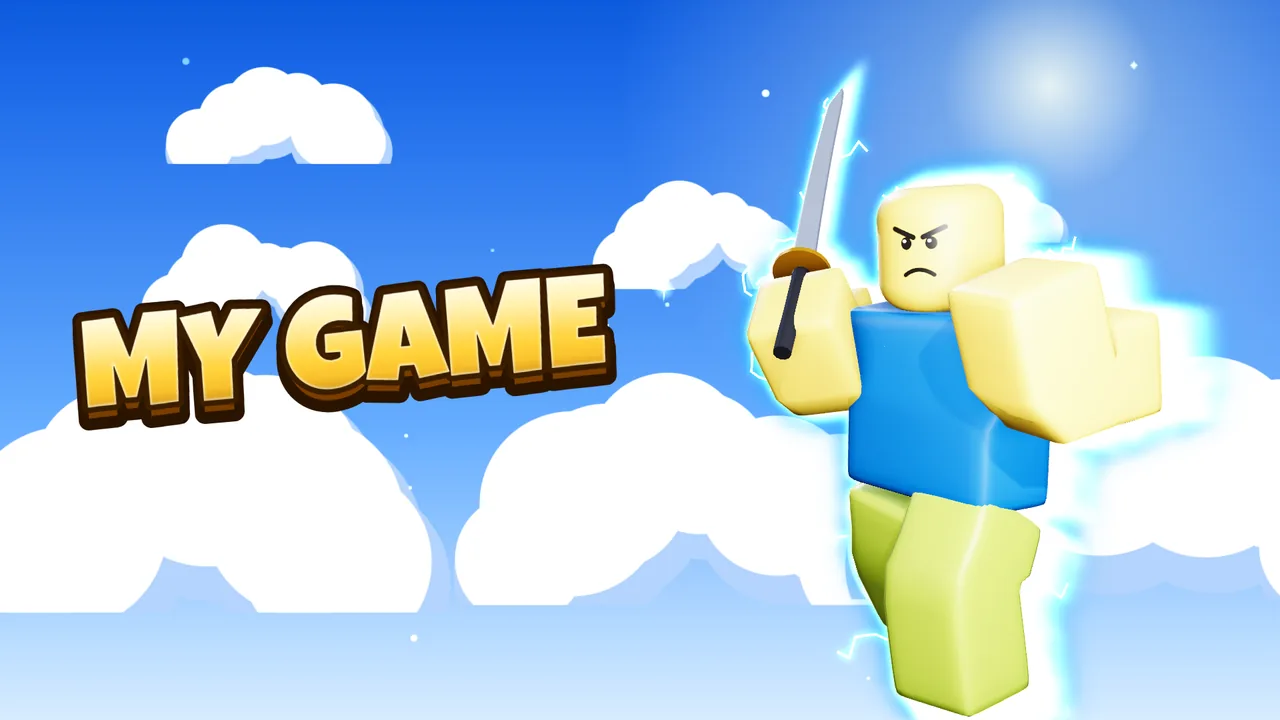
How it works
- Load your avatarYou stay in the middle.
- Add friendsUp to five usernames at once.
- FinishAdd a title and effects; pose each friend in the Advanced editor.
Sizes
| Friends per picture | up to 5 at once (add more one by one) |
Questions
Is it free?
Yes. Making and downloading pictures is free, with no watermark and no sign-up. Premium renders (real light bounces and soft shadows) come with free renders every day; extra render packs are optional.
Do I need Blender or Photoshop?
No. Posing, lighting, effects and text all happen in your browser. Nothing to install.
Is GFX Workshop made by Roblox?
No. GFX Workshop is not affiliated with, endorsed by or made by Roblox Corporation. It loads your public avatar the way the Roblox website shows it.
Put your friends in the picture.
Start nowMore makers
PFP makerMake a PFP of your avatar, freeThumbnail makerGame thumbnails with your avatar in 3DGFX makerMake a 3D GFX without BlenderBanner makerBanners with your avatar, sized rightIcon makerA game icon with your avatarClan PFP makerOne PFP for every member, in one goClothes makerMake Roblox-style clothes and see them worn