 GFX Workshop
A game icon with your avatar
Icons are seen tiny, so they need one clear thing: a face, a pose, a color. Start with a close-up of your avatar, add a burst and a frame, and download at 512×512.
Open the icon maker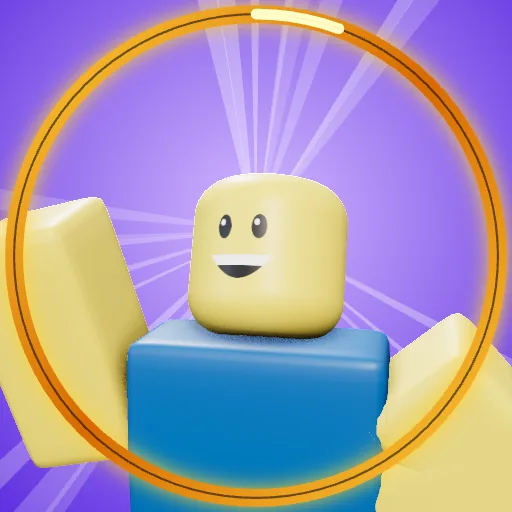
How it works
- Load your avatarOr start from a plain character.
- Go closeClose-up and low-angle shots read best at icon size.
- Frame itRarity frames from Common to Mythic, glow and sparkles.
Sizes
| Roblox experience icon | 512×512 |
| Roblox group icon | square (512×512 is plenty) |
| Seen | small, in long lists: one clear subject wins |
Questions
Is it free?
Yes. Making and downloading pictures is free, with no watermark and no sign-up. Premium renders (real light bounces and soft shadows) come with free renders every day; extra render packs are optional.
Do I need Blender or Photoshop?
No. Posing, lighting, effects and text all happen in your browser. Nothing to install.
Is GFX Workshop made by Roblox?
No. GFX Workshop is not affiliated with, endorsed by or made by Roblox Corporation. It loads your public avatar the way the Roblox website shows it.
A game icon with your avatar.
Start nowMore makers
PFP makerMake a PFP of your avatar, freeThumbnail makerGame thumbnails with your avatar in 3DGFX makerMake a 3D GFX without BlenderBanner makerBanners with your avatar, sized rightClan PFP makerOne PFP for every member, in one goSquad GFX makerPut your friends in the pictureClothes makerMake Roblox-style clothes and see them worn