 GFX Workshop
Game thumbnails with your avatar in 3D
Load your avatar, pick a pose and an item, drop it in a scene, then add auras, lightning and a title in one tap. Download at 1920×1080, or 4K (3840×2160) for free.
Open the thumbnail maker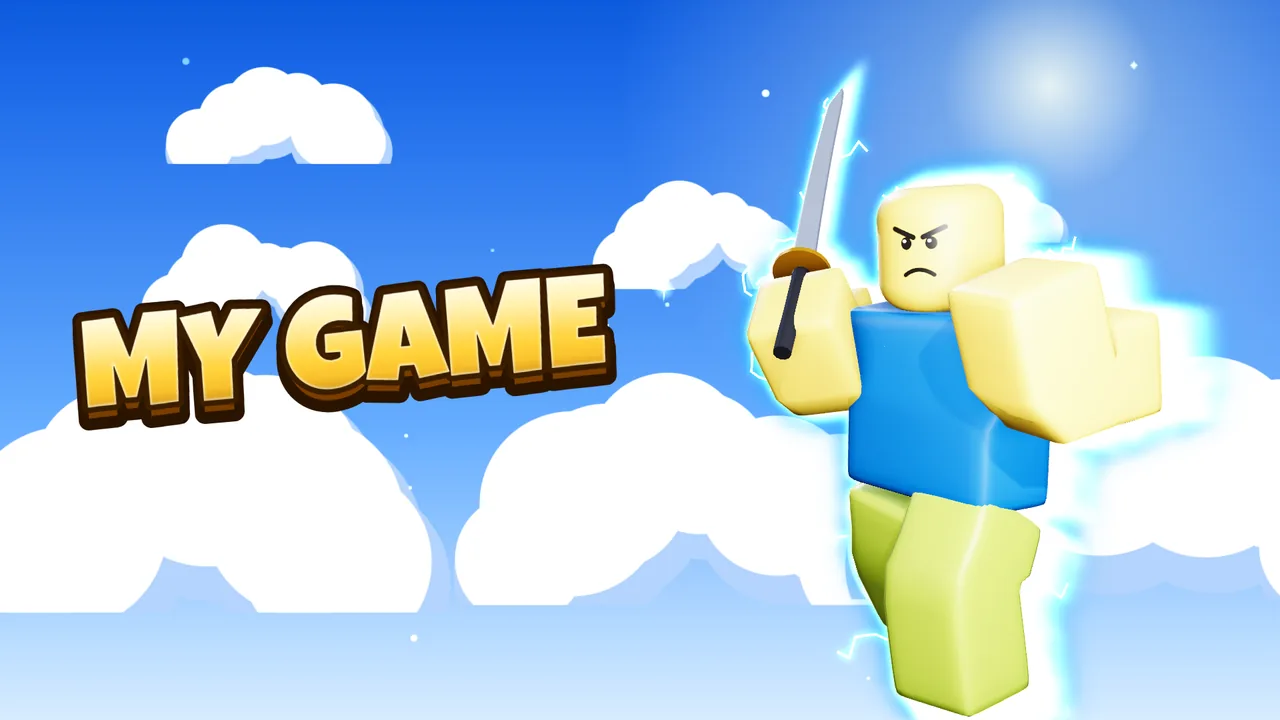
How it works
- Load your avatarType a username, or start from a plain character.
- Pose and placeOver 25 ready-made poses, swords, guns and props, camera angles from close-up to wide.
- Finish and downloadSkies, floors, lighting looks, auras, badges and titles; PNG up to 4K.
Sizes
| Roblox experience thumbnail | 1920×1080 (16:9) |
| YouTube video thumbnail | 1280×720 (16:9) |
| 4K | 3840×2160, free |
Questions
Can I see where Roblox crops the picture?
Yes. Turn on Safe zones in the Advanced editor: a dashed box shows where to keep the title and faces.
Is it free?
Yes. Making and downloading pictures is free, with no watermark and no sign-up. Premium renders (real light bounces and soft shadows) come with free renders every day; extra render packs are optional.
Do I need Blender or Photoshop?
No. Posing, lighting, effects and text all happen in your browser. Nothing to install.
Is GFX Workshop made by Roblox?
No. GFX Workshop is not affiliated with, endorsed by or made by Roblox Corporation. It loads your public avatar the way the Roblox website shows it.
Game thumbnails with your avatar in 3D.
Start nowMore makers
PFP makerMake a PFP of your avatar, freeGFX makerMake a 3D GFX without BlenderBanner makerBanners with your avatar, sized rightIcon makerA game icon with your avatarClan PFP makerOne PFP for every member, in one goSquad GFX makerPut your friends in the pictureClothes makerMake Roblox-style clothes and see them worn